Publishing & formats
How to Self-Publish a Graphic Novel on Amazon KDP
From finished pages to a book on sale, step by step.
October 14, 2026 · 2 min read
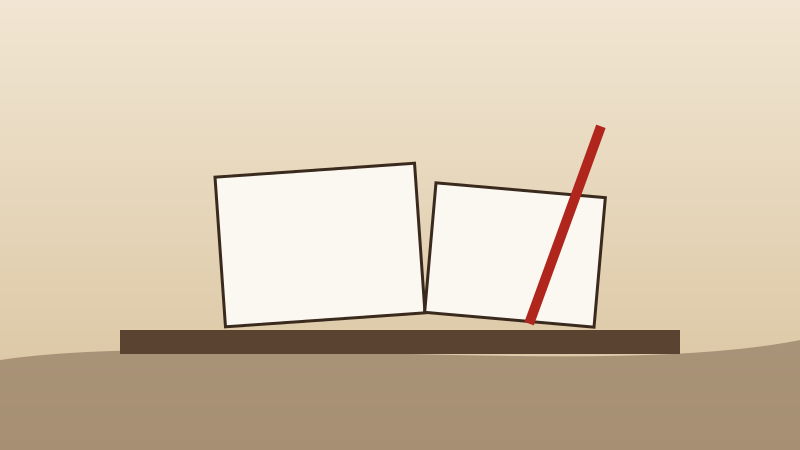
Amazon's Kindle Direct Publishing (KDP) lets anyone publish a paperback, hardcover, or Kindle edition and sell it on Amazon worldwide — with no upfront cost and no inventory. Books are printed one at a time when a customer orders. For a graphic novel, that means you can go from finished pages to a listed book in a few days.
Here's the whole path, start to finish.
1. Finish the book before you open KDP
KDP is the last step, not the first. Before you start, have:
- Every interior page finished, in reading order, at your final trim size.
- A cover — front, spine, and back as one wraparound image for print; just the front for Kindle.
- Your book description, a few sentences that make someone want to read it.
- A decision on format: paperback, hardcover, Kindle, or all three.
If you're still drawing, our guide to making a graphic novel covers the earlier steps.
2. Create your KDP account
Sign up at kdp.amazon.com with an Amazon account. KDP asks for tax information and the bank account where royalties should be paid. Do this first — it can take a little while to verify.
3. Enter the book details
For each format you'll fill in:
- Title and subtitle. The subtitle is a good place to say what the book is: "A Graphic Novel Adaptation of the Jane Austen Classic."
- Author and contributors. Credit the original author as well as yourself when you're adapting a classic.
- Description. The text shoppers read on the product page.
- Keywords and categories. These decide where your book shows up. See our guide to Amazon listings that sell.
- Age and grade range, for books aimed at younger readers.
4. Upload the interior and cover
For print, you'll upload the interior as a PDF and the cover as a PDF sized for your page count. KDP's online previewer then shows every page as it will print. Go through it page by page. Look for art too close to the edges, text in the gutter, and anything KDP flags. Our print specs guide explains trim, bleed, and color.
5. Choose an ISBN
KDP offers a free ISBN for paperbacks and hardcovers. That's the simplest option. If you buy your own ISBN instead, you're listed as the publisher, which matters if you plan to distribute widely beyond Amazon — see distribution beyond Amazon.
6. Set your price
KDP shows your royalty as you type a price, after printing costs. Full-color interiors cost more to print than black and white, so price with that in mind. Our pricing guide walks through the math.
7. Order a proof copy
Before you publish, order a printed proof. Colors on paper never look exactly like your screen, and a proof is the only way to catch a muddy page or a cover that's slightly off-center.
8. Publish — and then start selling
Once you click Publish, KDP reviews the book, usually within a few days, and it goes live on Amazon. Publishing is the start, not the finish: readers still have to find it. Read how to get more graphic novel sales next.
KDP's rules and options change from time to time, so check its own help pages for current details.
As an Amazon Associate we earn from qualifying purchases.