Making your graphic novel
How to Make a Graphic Novel
Step-by-step guides and tips.
October 7, 2026 · 3 min read
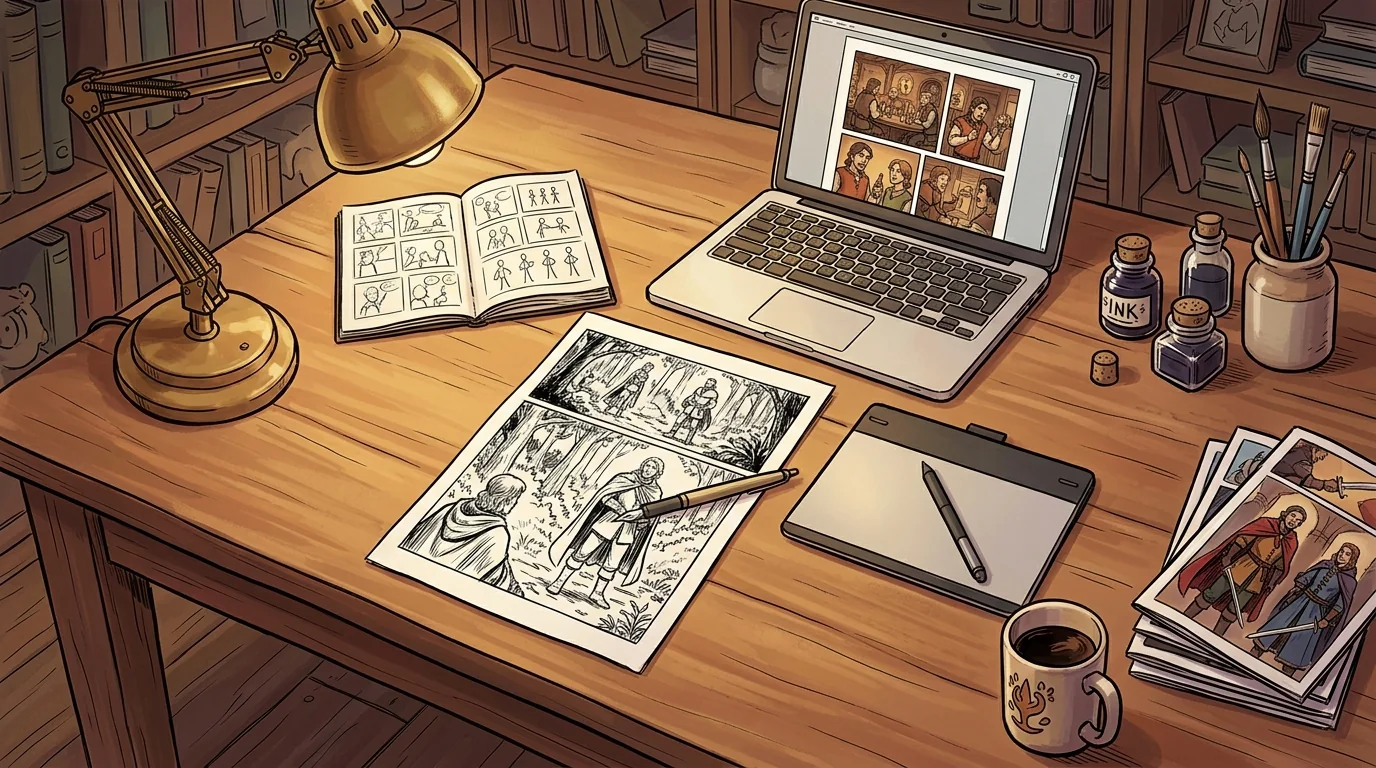
Making a graphic novel is a long project, but it breaks down into clear stages. This guide walks through them in order — from the first idea to a file you can upload to Amazon's Kindle Direct Publishing (KDP).
1. Start with the story
Write a short summary first: who the story is about, what they want, and what stands in their way. For an adaptation of a classic, decide what to keep. A 300-page novel rarely fits into a 64- or 120-page graphic novel without cutting subplots, so choose the scenes that carry the main story.
2. Write a script
A comic script is organized by page and panel. For each panel, note what we see, who is speaking, and the exact words in each balloon.
Page 4, Panel 2. Elizabeth at the window, rain behind her. She turns, surprised. ELIZABETH: You walked here? In this weather?
Keep balloons short. Readers spend only a few seconds on each panel, and too many words crowd out the art.
3. Thumbnail your pages
Before any finished art, sketch every page at a tiny size. Thumbnails are where you solve pacing: which moments get a big panel, where the page turns, and how the reader's eye moves from panel to panel. Fixing a layout at this stage costs minutes; fixing it after the art is finished costs days.
4. Build your assets
Make reference sheets for each main character — front, side, and a few expressions — so they look the same on every page. Do the same for recurring places. Keeping these assets organized in one place is one of the biggest time-savers in the whole process.
5. Lay out panels and pages
Now place the art into panels and arrange the panels on the page. Leave consistent gutters (the gaps between panels) and keep important art and text away from the edges of the page.
6. Letter the pages
Add balloons, captions, and sound effects. Use a clean comic font at a readable size, place balloons in reading order (left to right, top to bottom in English), and never cover a character's face with a balloon.
7. Design the cover
Your cover has two jobs: look good full size and still read clearly as a small thumbnail on a store page. Test it at a small size before you finish.
8. Prepare the print files
For a print book on KDP, check the current requirements on KDP's own help pages before you export. The main points to plan for:
- Trim size. Choose it before you draw — it sets the shape of every page.
- Bleed. If art runs to the edge of the page, extend it past the trim line. KDP asks for 0.125 in (3.2 mm) of bleed on the top, bottom, and outside edges.
- Resolution. Use images of at least 300 DPI at print size.
- Safe margins. Keep text and important art well inside the trim so nothing gets cut off.
- Color. Decide early between a color and a black-and-white interior — it affects the printing cost and therefore your price.
Export the interior as a single PDF, and the cover as a separate PDF sized for your page count.
Where Graphic Novel Factory fits
We built Graphic Novel Factory for steps 4 through 8: it keeps your characters, backgrounds, and scenes organized, lets you arrange panels and pages, and exports high-resolution, KDP-ready PDF files. It does not draw the art for you, and it doesn't publish to Amazon — you upload the files to KDP yourself. Join the waitlist to hear when it's ready.